Huddle and meeting rooms
We check that a video bar can frame the seats closest to the display and pick up speech from the far end of the table. We place the touch controller and laptop connection within reach of seated users.
Innovatica designs, installs and commissions Microsoft Teams Rooms and Zoom Rooms in New York City. For a new office, we price the AV package room by room. For a retrofit, we check which displays, mounts and cable runs can stay.
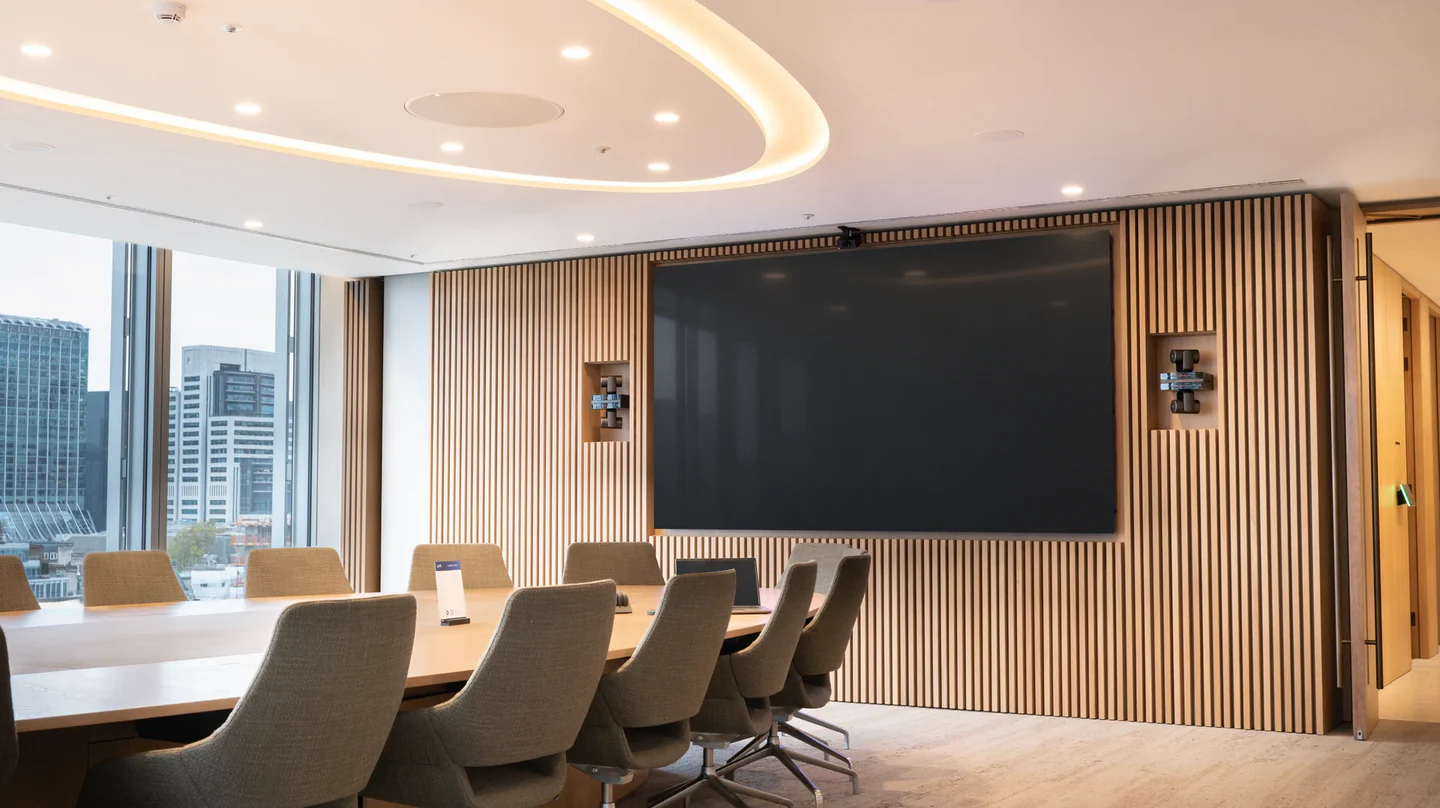
We check that a video bar can frame the seats closest to the display and pick up speech from the far end of the table. We place the touch controller and laptop connection within reach of seated users.
We size the display for the drawings or spreadsheets people need to read from the farthest seat. Around a long table, we lay out camera views, microphone coverage and ceiling speakers. Recessed cameras and displays need room in the millwork for cable connections and service access.
A presenter walking away from the lectern still needs a microphone. We plan how remote participants will hear both the presenter and questions from the floor. If a partition divides the room, we define which microphones, speakers and displays serve each side when it closes.
Yes. Send the AV drawings, reflected ceiling plan, equipment schedule and latest addenda. Flag any owner-furnished equipment. We identify what we furnish and install in each room and call out allowances and bid alternates separately.
Send the model numbers and photos of the mounts and connections. We check which displays, mounts and cable runs can serve the new layout. For a phased upgrade, we identify what needs to be ready before each room goes offline.
A video bar mounted below a display needs fewer cable runs than separate cameras, ceiling microphones and a rack in another room. Finished ceilings, custom millwork and after-hours access also affect installation labor. Photos of the table, display wall and ceiling help us price a retrofit.
We join a scheduled meeting from the room controller and share a presentation. Someone at the far end checks framing, speech clarity from each seating area and echo. In the room, we check playback and mute. If guest laptops can host calls, we test that connection too. We record open items with your IT lead at handoff.
Include the job location, number of rooms, seating plan, meeting platform and target bid or move-in date. For an existing room, a photo and the symptoms are a useful starting point.